
Factory Default Aastra 6731i Phone
How to reset an Aastra 6731i phone to Factory Defaults:
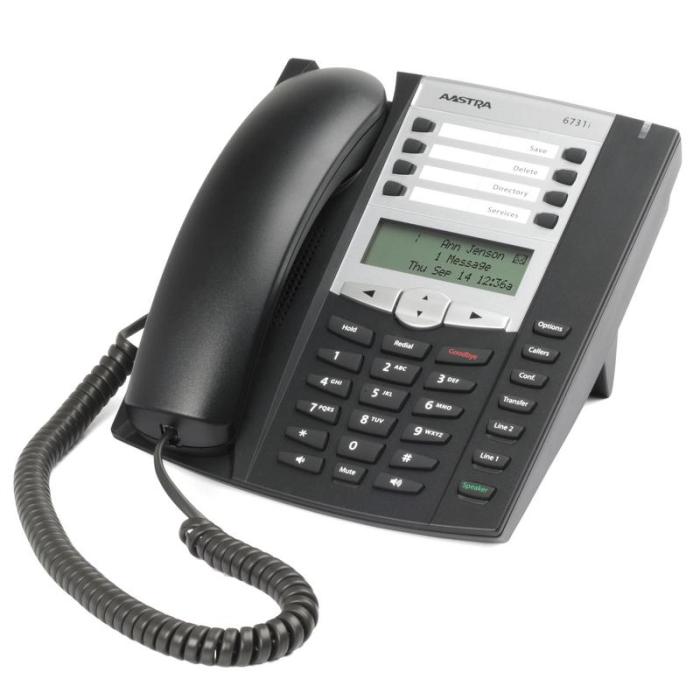
- Press OPTIONS button (fixed buttons, right side top)
- Enter password (typically 123) and press Enter (right arrow button under display). Options list should be displayed.
- Press down arrow button (under display) until you reach the Admin Menu option and press Enter (right arrow button under display)
- Press down arrow button (under display) until you find the option for Factory Default. Press Enter (right arrow button under display)
- Confirm by pressing Yes (right arrow button under display)
- Phone will reset after a few seconds and will reboot with factory default settings.
Still stuck? Call or text 602·445·7777 and reach a technician who knows your account, no outsourced call center.
All help articles